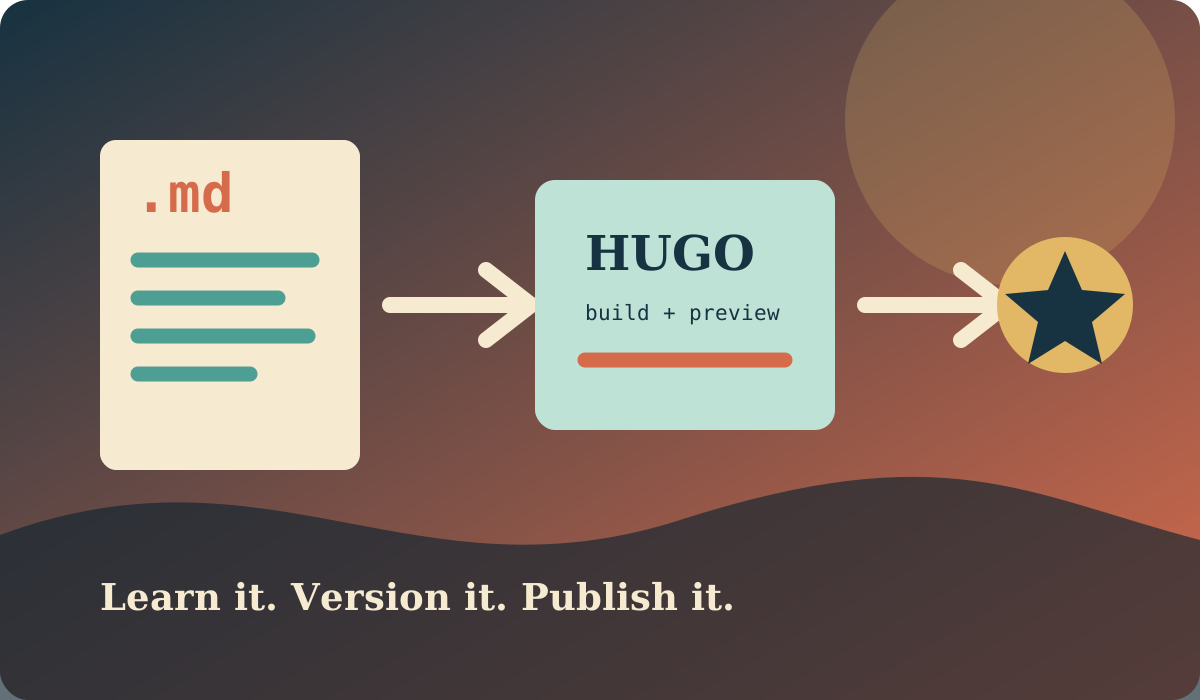
Meeting new students is one of the most enjoyable parts of academic life. In a recent discussion, we explored how a simple website can become a useful first project for learning modern web development. We focused on Hugo and the wider family of static site generators (SSGs), then connected that discussion to SEO, automation, and professional software practice.
The goal was not to memorise one tool. It was to understand the small, repeatable workflow behind a reliable website: write structured content, generate pages, review the result, publish it, and improve it over time.
What Is a Static Site Generator?
A static site generator turns source files into ordinary HTML, CSS, and JavaScript before deployment. Hugo, Jekyll, Eleventy, and Astro are popular examples. Unlike a traditional server-rendered application, a basic static site does not need a database or application server for every page request.
This approach has several useful properties for a personal site or documentation project:
- Pages are fast because they can be served from a CDN.
- The content and templates can be reviewed as code.
- Hosting is inexpensive and easy to reproduce.
- The generated site has a small attack surface.
Hugo is written in Go and is known for fast builds. Jekyll, which powers this website, uses Ruby and is deeply integrated with GitHub Pages. The concepts are similar even when the commands and template languages differ.
1. Content Files: Markdown, XML, and JSON
The first lesson was that a website is more than its visible pages. It is also a collection of structured files, each chosen for a purpose.
Markdown for human-written content
Markdown keeps an article readable in a text editor while providing headings, links, lists, images, and code blocks. Front matter at the top supplies metadata to the generator:
---
title: "My First Hugo Article"
description: "A short introduction to building a static website."
date: 2026-09-13
---

## My first section

This paragraph becomes part of the generated HTML.
XML for feeds and machine-readable documents
XML is verbose, but its nested structure is useful for RSS feeds, sitemaps, and integrations with older tools. A generated RSS item might look like this:
<item>
  <title>My First Hugo Article</title>
  <link>https://example.com/posts/my-first-article/</link>
  <description>A short introduction to static websites.</description>
</item>
JSON for configuration and data
JSON is convenient for configuration files and structured content used by templates or JavaScript:
{
  "title": "My First Hugo Article",
  "tags": ["hugo", "web development"],
  "draft": false
}
The important habit is to validate these files. A missing comma in JSON or an incorrectly indented front matter field can stop a build or quietly produce the wrong page.
2. SEO Begins in the Source Files
Search engine optimisation is not a mysterious final step. It starts with clear content and correct metadata:
- Give each page a specific, descriptive title.
- Write a useful description that explains what the reader will find.
- Use one meaningful main heading and a logical heading hierarchy.
- Choose readable URLs such as
/posts/learning-hugo/. - Add descriptive alternative text to meaningful images.
- Link related pages so visitors and search engines can discover them.
- Generate a sitemap and an RSS feed where appropriate.
- Use canonical URLs when the same content can be reached by more than one address.
We also discussed structured data. A blog post can expose its author, headline, publication date, and image using Schema.org JSON-LD. This helps search engines interpret the page, but it never replaces useful writing or good HTML.
SEO should be tested like any other feature. Before publishing, inspect the generated HTML, check that links work, confirm that pages are mobile-friendly, and make sure the production URL is not accidentally marked as noindex.
3. CI/CD for a Static Website
Continuous integration and continuous delivery (CI/CD) turn publishing into a repeatable process. A typical pipeline does the following:
- Checks out the repository.
- Installs the required Hugo version and dependencies.
- Builds the site with production settings.
- Runs link, HTML, or spelling checks.
- Publishes the generated files when the checks pass.
A small GitHub Actions workflow for Hugo could look like this:
name: Build website

on:
  push:
    branches: [main]
  pull_request:

jobs:
  build:
    runs-on: ubuntu-latest
    steps:
      - uses: actions/checkout@v4
      - uses: peaceiris/actions-hugo@v3
        with:
          hugo-version: '0.148.0'
          extended: true
      - run: hugo --minify
The exact deployment action depends on the hosting setup. The principle is more important than the particular action: every change should be built in a clean environment so a student can reproduce the result on another computer.
4. Git and GitHub Pages
Git records the history of a project. It lets us experiment safely, compare changes, and return to a known version. The basic workflow is:
git clone https://github.com/example/student-site.git
cd student-site
git checkout -b add-about-page
# edit files and preview the site
git add .
git commit -m "Add about page"
git push -u origin add-about-page
On GitHub, the branch can be reviewed through a pull request before it is merged into main. That review step is valuable even for a small website because it encourages clear commits and catches broken links or accidental changes.
GitHub Pages can host a static site directly from a repository. A project can either use GitHub’s Jekyll support or publish files generated by Hugo through GitHub Actions. The main decisions are:
- Which branch or workflow produces the deployable files?
- What is the site’s base URL and custom domain?
- Where are secrets stored, if deployment needs them?
- How will the team preview pull requests?
For this website, the same ideas apply to Jekyll: content lives in Markdown, configuration is versioned, the site is built automatically, and GitHub Pages serves the result.
A Small Learning Project
I suggested that each student build a small personal site with three pages: an introduction, a project page, and one technical article. The project should include a Markdown post, one JSON data file, an XML feed or sitemap, meaningful SEO metadata, and a GitHub Actions build.
That single exercise connects writing, data formats, templating, accessibility, version control, deployment, and maintenance. It also gives students something real to show when they apply for internships or begin a larger software project.
Final Thoughts
The most useful lesson from our meeting was that static site generators make the web workflow visible. Students can see the source content, the generated output, the commit history, and the deployment pipeline as parts of one system.
Whether the generator is Hugo, Jekyll, or another tool, the fundamentals remain the same: keep content structured, make pages understandable to people and search engines, automate the build, and publish from a version-controlled repository. Those are small practices, but they form a strong foundation for professional web development.